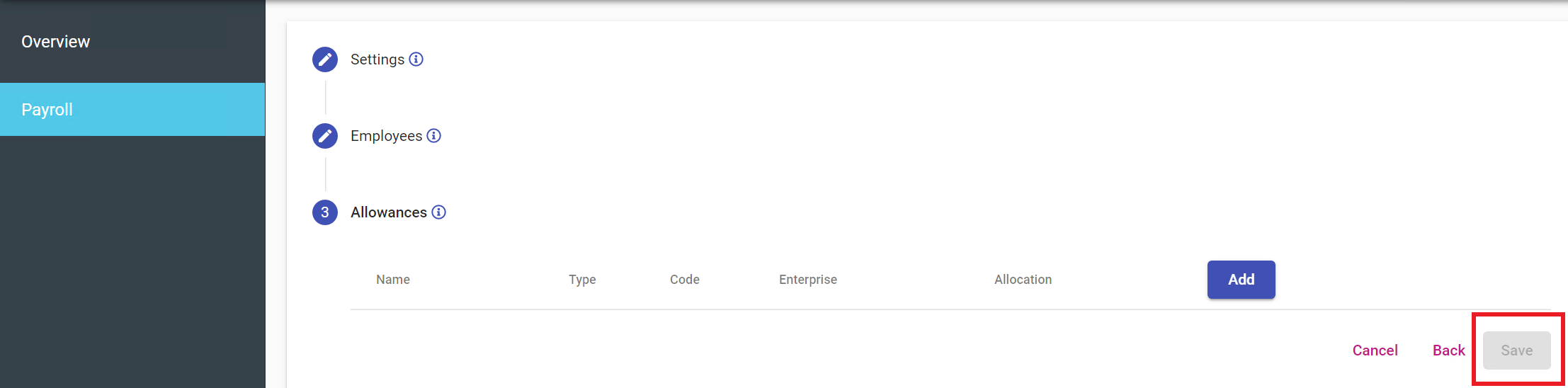
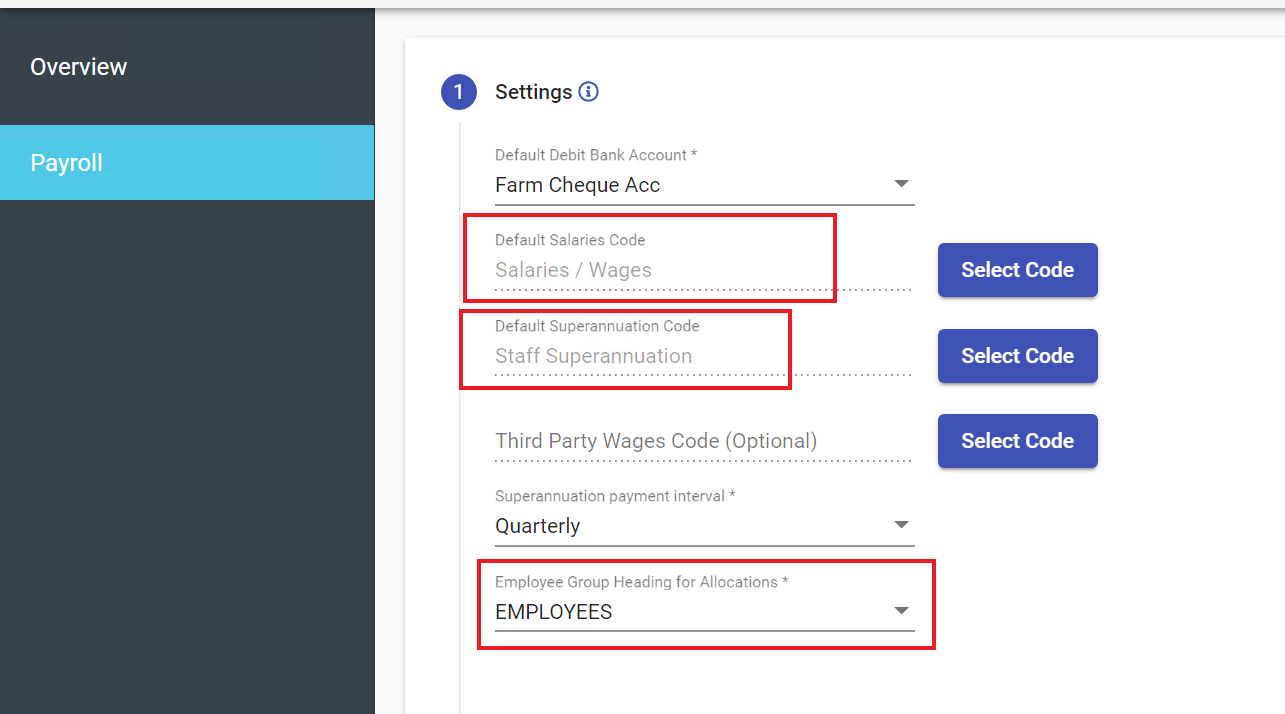
Save Button Greyed Out in Payroll Setup If you are unable to save the Payroll Setup or the save button is greyed out there could be a few reasons. This is most likely because you have not selected a Default Salaries Code or Default Superannuation Code or an Employee Group Heading. Related articles Benefits Of The Employment Hero Integration Create A SuperStream Alternative File Format Cannot Select Employee Bank Account Superannuation updates FY 2024/2025 Overdue Invoice Payment Comments 0 comments Article is closed for comments.
Comments
0 comments
Article is closed for comments.