To edit an asset:
- From the Home page, click Assets & Stock

- Click Asset Register

- The Asset Register opens
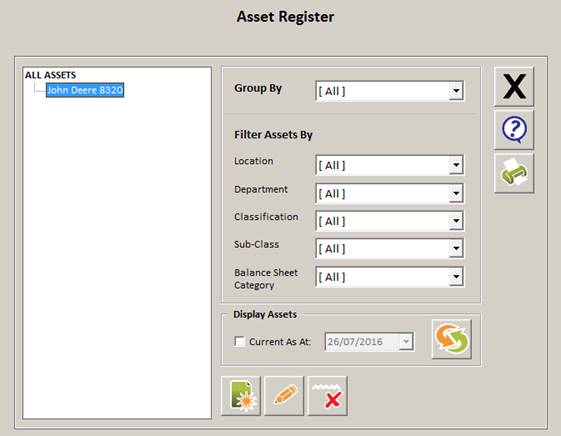
- Under ALL ASSETS, highlight the asset you wish to edit
- Click the Edit button
- Change the details below as necessary, using the dropdown boxes to alter any choices in Location, Group/Department, Classification, Sub Class or Balance Sheet Category. The Edit
 button will allow you to add or edit any of these options
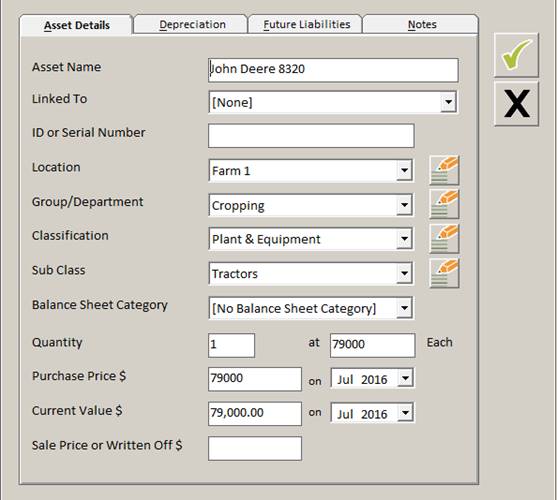
- Click the green tick
 to save changes
 - Click the black cross
 to close the window and return to the Asset Register window
Comments
0 comments
Article is closed for comments.