If you have an Agrimaster file that you wish to put a password on for privacy purposes e.g. you work on a shared computer, follow the instructions below:
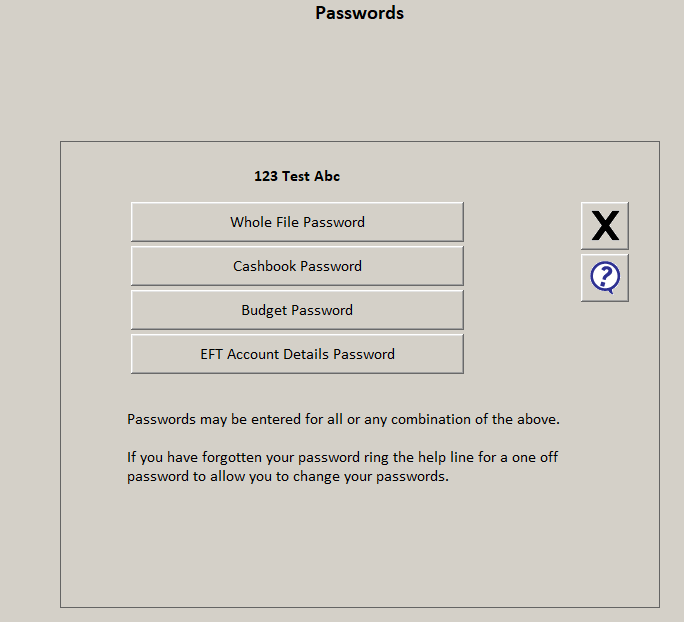
- From the top left corner select Help, then select Passwords
- Select Whole file password
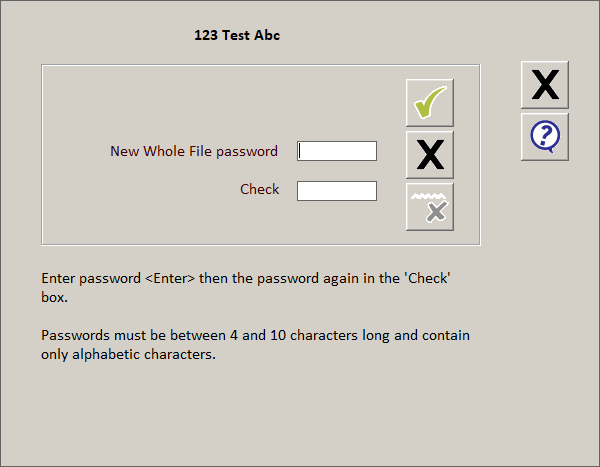
- Enter the password into the New Whole File Password Box and then enter the password into the Check box then click on the green tick.
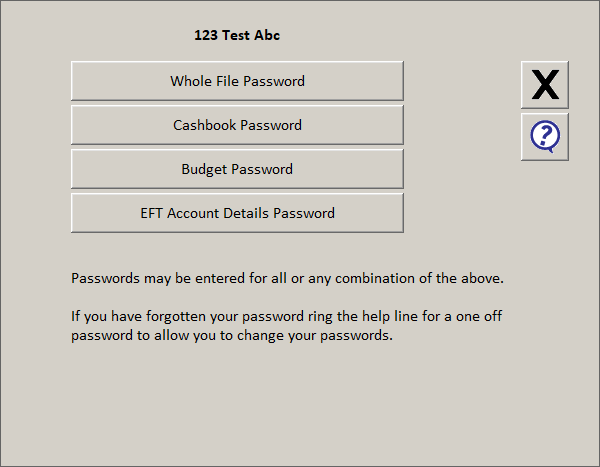
- Then click the black cross.
Comments
0 comments
Please sign in to leave a comment.