This article will cover all the steps needed on how to attach an allowance to an employee record.
- Navigate to the employee record by clicking on Employee.

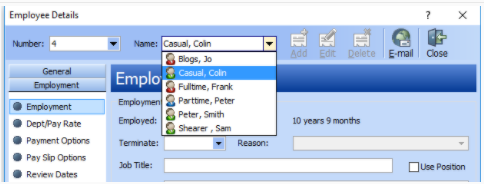
- Click on the Name box to choose the employee’s name that you wish to attach the allowance to.
- Click on Payments >Allowance.
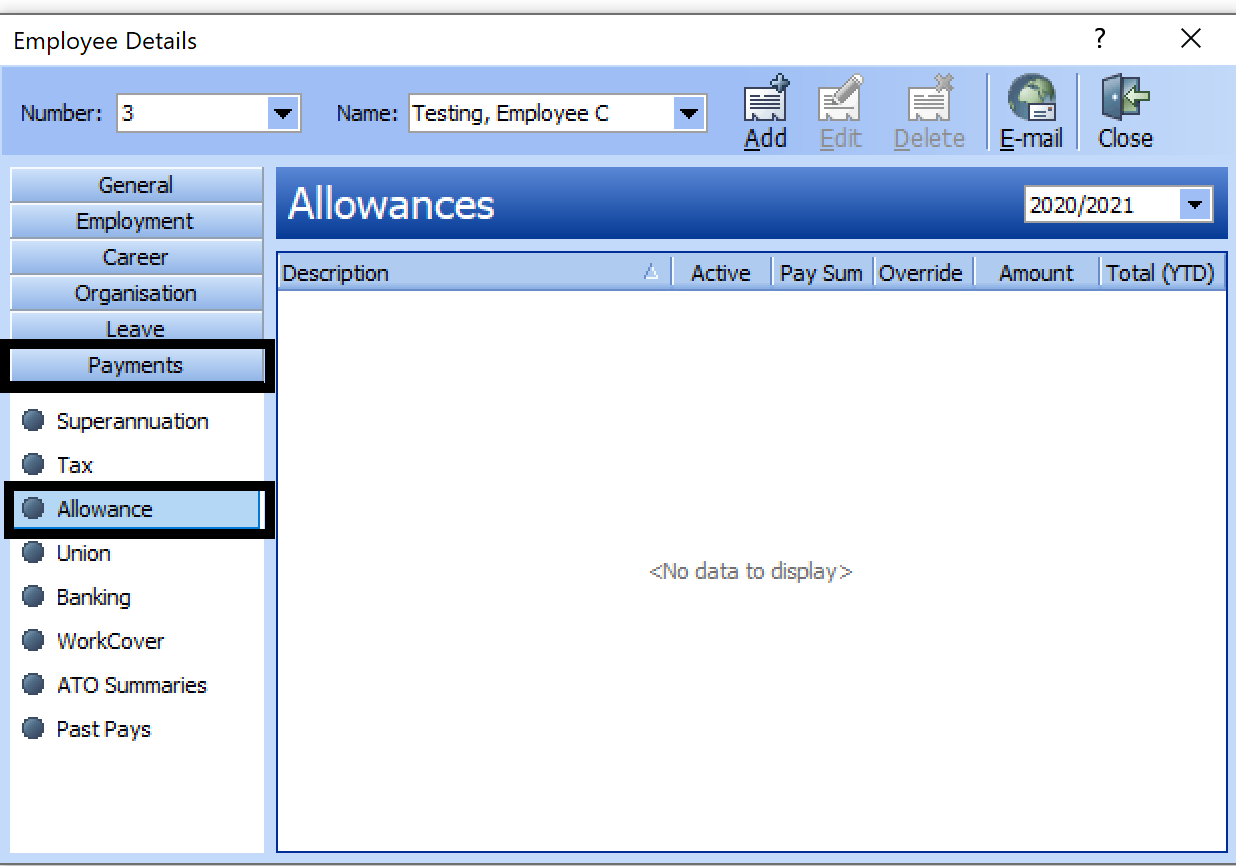
- Click Add. You will see the wizard as below, select the Allowance in the description box from the drop-down menu.

- Click on Close and Close again to save changes.

Comments
0 comments
Article is closed for comments.